1. Open the Menu
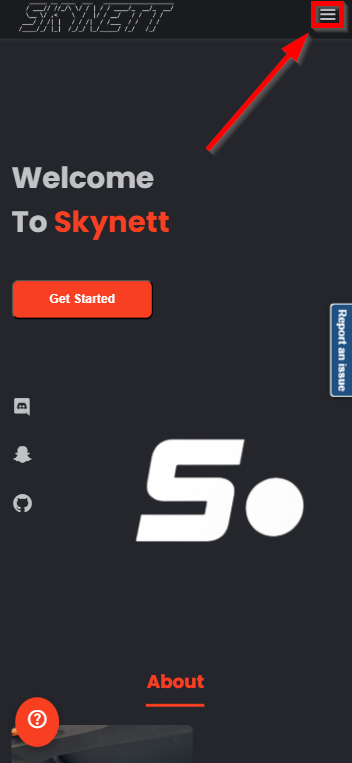
On mobile, tap the hamburger icon to open the sidebar.
A simple step-by-step guide for requesting movies & TV through Skynett.
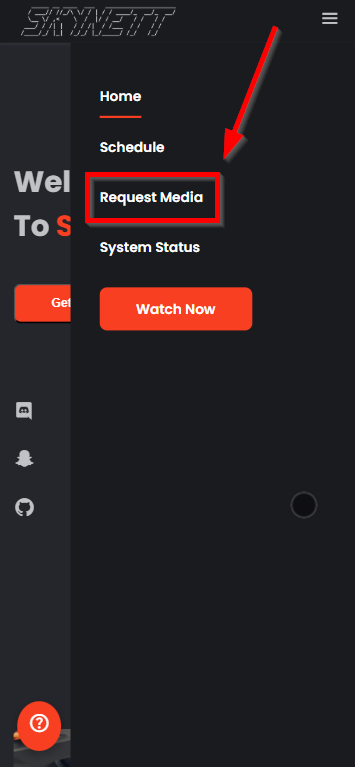
On mobile, tap the hamburger icon to open the sidebar.
This opens the Jellyseerr request interface.
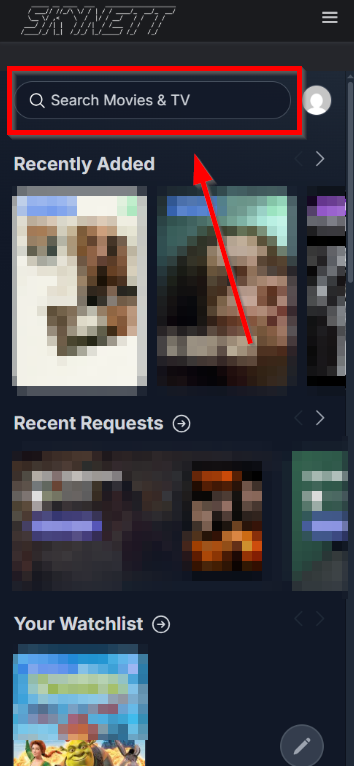
Use the search bar to look up anything you want to watch.
Select your title and click the Request button.
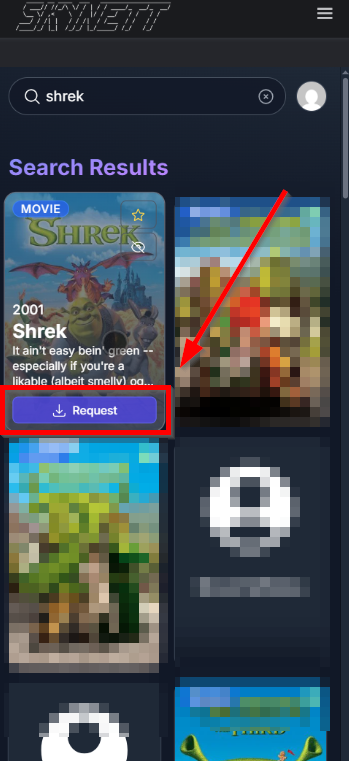
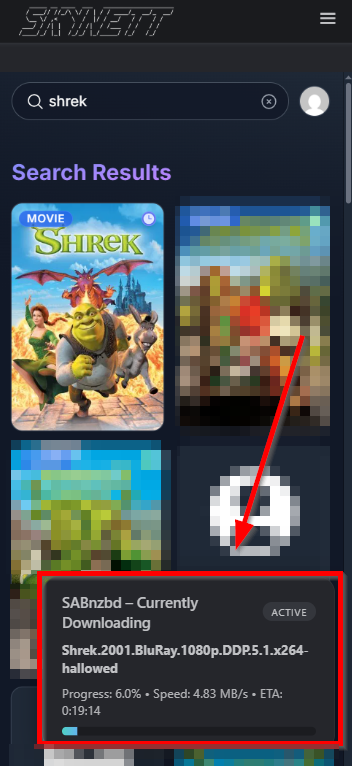
Your request auto-approves. Just hit the blue Request button.
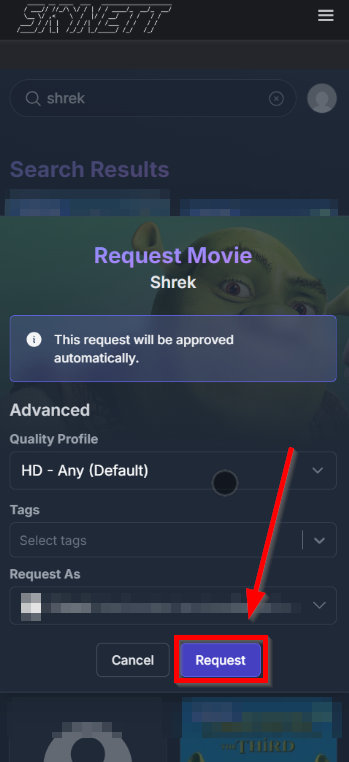
SABnzbd begins downloading your request instantly.